Why your AI agent needs more than a laptop: the move from local to always-on

Preeti
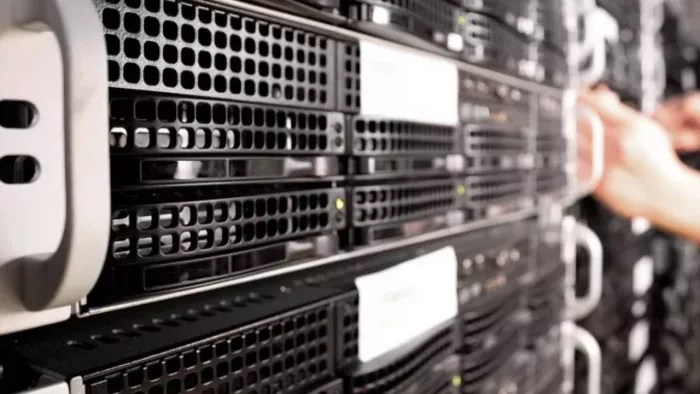
Your AI agent works fine on your laptop right up until the moment you close the lid. That's the whole problem. An agent that triages email, runs scheduled scripts, or picks up tasks while you sleep cannot do any of that on a machine that goes to sleep, drops off Wi-Fi, or reboots for an update. Local is great for building. It falls apart when running.
I learned this the boring way. I set up OpenClaw on my MacBook, wired it to Telegram, and felt clever for about a day. Then my laptop slept overnight and the agent missed every task I'd queued. If you're past the experiment stage and you want something that actually stays up, the real decision is where it runs, and a practical place to start is this Cybernews breakdown on choosing OpenClaw hosting, which the Cybernews research team built after testing more than ten providers against price, setup, resources, and security.
What local actually costs you
Running an agent on your own machine has a hidden tax that nobody mentions during setup. Your laptop is not a server. It sleeps, it throttles when the battery runs low, your home IP changes, and your internet drops more often than you think. None of that matters for a chatbot you talk to on purpose. It matters a lot for an agent that's supposed to act on its own at 3 a.m.
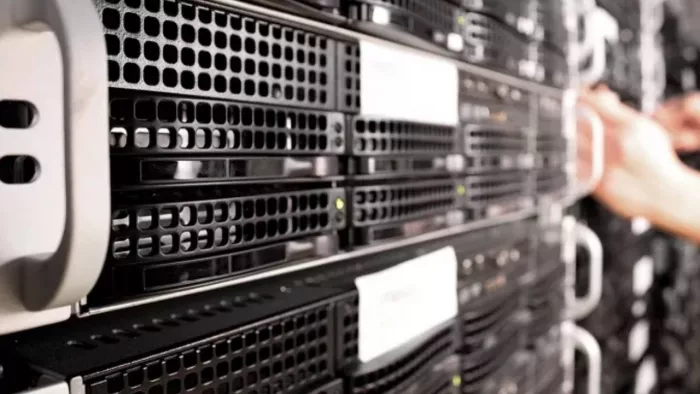
There's also the resource question. An agent that only handles text can scrape by on modest hardware, but the moment you add browser automation, memory that constantly reads and writes to disk, or a second agent, your laptop is competing with everything else you have open. A server doesn't have that conflict. It does one job.
What an always-on setup needs
Most self-hosted agents have similar baseline needs, and those needs scale with what you ask the agent to do. The numbers below come from current OpenClaw deployment guides and community benchmarks, and they line up with the testing criteria Cybernews uses when it ranks hosting providers.
| Workload | RAM | vCPU | Storage | Notes |
| Single text-only agent | 4 GB | 2 cores | 10 to 50 GB SSD | Minimum that runs without swapping |
| Agent with browser automation | 8 GB | 4 cores | 50 GB NVMe | Chromium alone uses 2 to 4 GB per session |
| Two agents on one box | 8 GB | 4 cores | 80 GB NVMe | Budget 2 to 3 GB per agent for headroom |
| Heavy automation or 4+ agents | 16 GB or more | 4+ cores | 100 GB or more NVMe | Split across servers past this point |
Two things matter more than the headline RAM figure. The first is storage type. An agent writes session data, logs, and memory updates constantly, so an HDD-only plan adds latency to every write and makes the agent feel sluggish. NVMe, or at least SSD, is the floor. The second is uptime. An agent built to run continuously needs a host that guarantees it, ideally with a clear SLA around 99.9% or better, because an agent that's offline half the day isn't really doing its job.
Local versus server, plainly
A VPS gives you a fixed IP, dedicated CPU and memory, and a machine that stays on when yours doesn't. Shared hosting won't work here at all, because it blocks the background processes an agent depends on. The cost is real but smaller than people expect. Entry plans that meet the baseline start at roughly $3 to $9 a month, and the bigger expense is usually the AI model API calls, often $1 to $5 a month for a light workload and more if you lean on it heavily.
There's a security angle too, and it's the part I'd push hardest on. An agent like OpenClaw holds API keys and has permission to act on your behalf, which means a leaked key or a runaway loop can do real damage, including draining an API balance overnight. A proper host gives you firewalls, multifactor authentication, encrypted traffic, and automated backups, none of which your laptop offers by default. If you're still deciding which agent tools are worth running in the first place, Software Curio's roundup of AI tools that make app development effortless is a useful companion read. For the deployment mechanics themselves, the OpenClaw documentation walks through the gateway setup and security options before you put anything live.
So should you move it?
If your agent is a hobby you check on manually, keep it local. There's no shame in that and no reason to pay for a server. But the moment you want it running unattended, reliably, with real permissions, the laptop stops being the right tool. Start small with a plan that meets the baseline, watch your actual resource use for a week, and scale up only when the workload tells you to.

Comments