Step-by-Step Guide to Building Your Own Sound Library

Bailey Marks
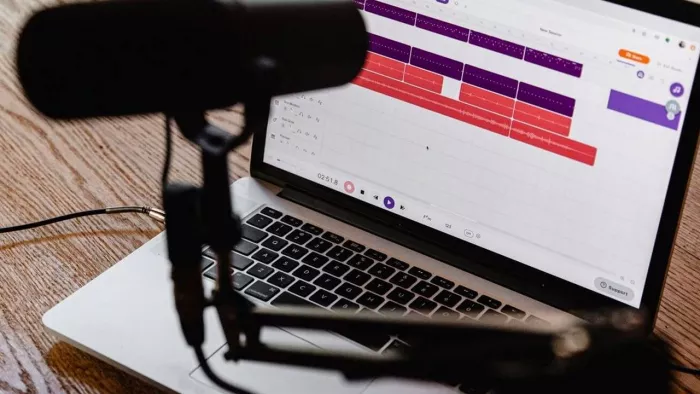
If you make podcasts or videos, or create social media content, you need good sound. Good audio, music, and sound effects behind the work provide an extra kick. And building your sound library saves you time and helps you develop a distinct brand voice.
A sound library is really just a folder for your most-loved audio clips. These clips might include voiceovers, music tracks, ambient sounds, and short effects such as clicks or swooshes. Your workflow is seamless when all is in one place. You stop wasting time searching and start creating faster.
Let’s walk step by step. Keep it simple. Follow along. A library of your own will be ready before you know it.
Step 1: Determine Your Needs
Don't spend another second collecting sounds without first thinking through your project. Are you a podcaster, and do you own the equipment? Do Reels get posted here online all the time? Are you a content creator interested only in ideas? It has never been easier or more important than today to do things on your own, for yourself, and for others.
Write down what you use most:
- Intro music
- Outro music
- Background loops
- Voiceovers
- Transition effects
- Ambient sounds
This simple list will serve as your guide. It is because of your plan that you will be able to avoid the trouble of collecting random distored files-unable to find an exit, and keep on track.
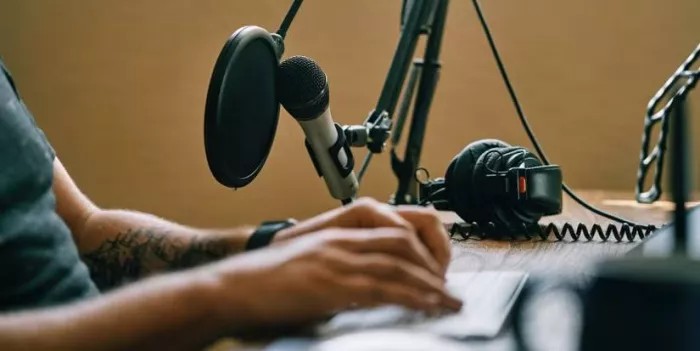
Step 2: Building a Clear Folder Hierarchy
The organization is as important as the content. When your files are chaotic and scattered across the floor, your day is shot, and time costs money. Open a main folder on your hard disc named “My Sound Library". In this folder, create subfolders of:
- Voiceovers
- Music
- Sound Effects
- Ambient Sounds
- Podcast Intros
Keep names brief and descriptive. For instance, instead of calling something “track1_final_version_new”, call it "calm_intro_30sec"; you will thank yourself in the future when you trawl through your files looking for something.
Step 3: Generate Custom Voice Clips
Sometimes you need quick narration. Maybe you want a short intro line. Maybe you need a product description read out loud. Instead of recording every time, you can use an AI sound generator to create clean and natural voice clips.
This tool helps you turn text into speech. You type your script. It gives you a ready-made audio file. You can download it and save it in your voiceovers folder.
This is perfect for:
- Podcast intros
- Social media captions turned into audio
- Explainer videos
- Storytelling clips
When you build a collection of ready-to-use voice clips, you save hours of recording time. It’s like having a small studio on standby.
Step 4: Collect Royalty-Free Background Music
Look for free music libraries that allow safe downloads. Choose tracks that match your brand style. If your content is calm and thoughtful, collect soft instrumental loops.
Save each file in your Music folder. Rename it based on mood, such as:
- happy_loop_15sec
- calm_background_1min
- energetic_intro_20sec
Over time, you will build a strong collection of background audio tracks. When you edit a new video, you won’t start from scratch. You simply pick and play.
Step 5: Add Unique Music with an AI music Tool
Free libraries are helpful, but sometimes you want something special. You want a sound that feels like yours alone. This is where an AI music tool can help. These tools create custom music based on your mood and style. You can choose calm, cinematic, upbeat, or soft piano. In seconds, you get a fresh track. No one else has the same one.
Download these tracks and save them under a new folder called Custom Music. These original sounds help build your audio branding. When people hear your intro music again and again, they start to remember you.
Step 6: Record Everyday Sounds
Great sound libraries cannot be built only from online tools. You can record real sounds wherever you might be.
You can use your phone to capture:
- Rain falling
- Birds chirping
- Coffee pouring
- Keyboard typing
- The sound of a door opening
Manipulating these easily created ambient sound effects can spice up your work. It makes your content look like it is really happening.
Design Your Sound, Define Your Story
Building your own sound library is not challenging. It just takes small steps done right. Start with a clear folder system. Add voice clips using an AI sound generator. Collect royalty-free music. Create unique tracks with an AI music tool. Record real-life sounds, edit them effectively, and back up everything.
Piece by piece, your collection will grow. Soon, you will have a ready-to-use library that supports every podcast, Reel, or video you create.

Comments